YUANDA · Phone Farm Box

USB / LAN / OTG Phone Farm Box

Choose the right connection path for your phone farm box before installation. Compare direct USB control with supported OTG/LAN setups, plan router access and use the connection checklist when the PC cannot see every device.

Installed devices
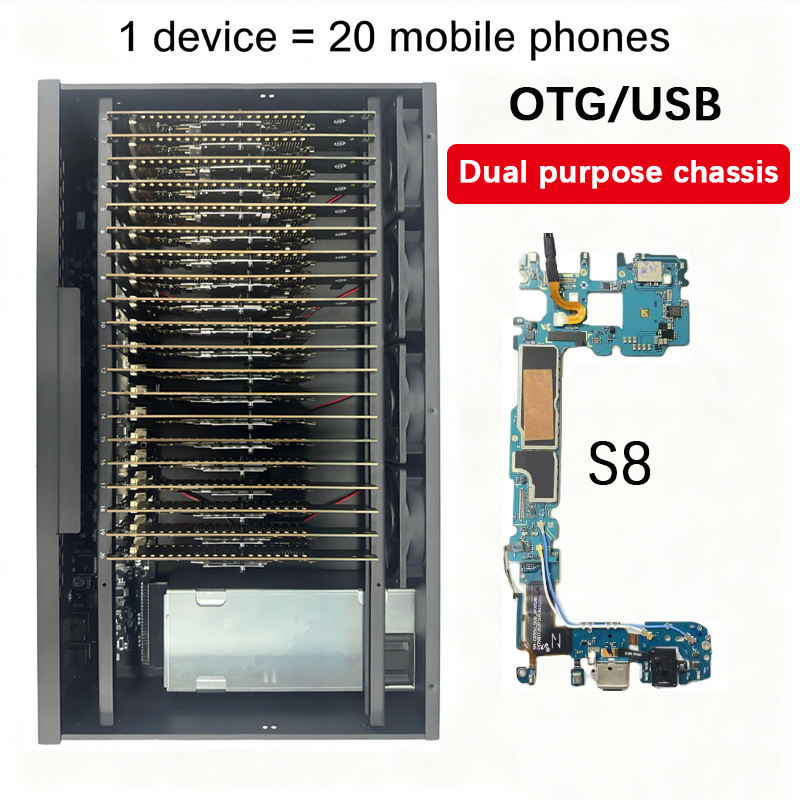
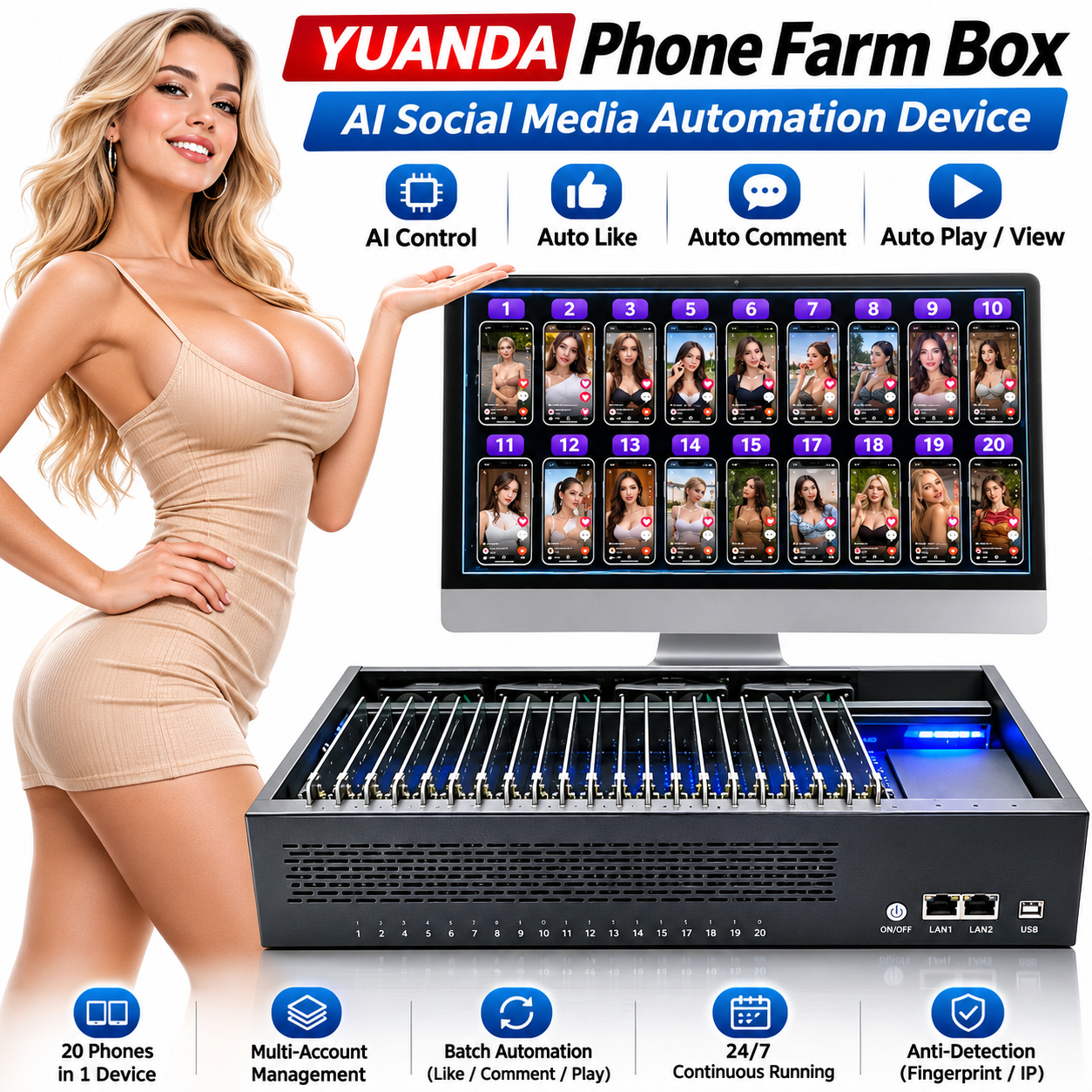
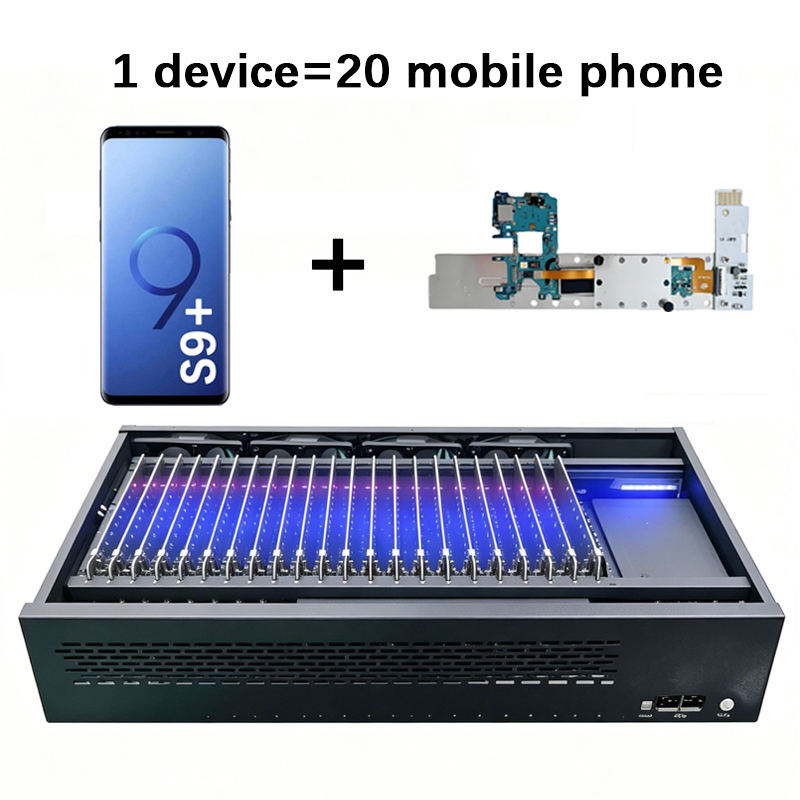
20 phone motherboards per standard box; confirm the selected configuration.
Input voltage
AC 110–220 V input. Different power plug specifications are available according to customer requirements.
Computer planning reference
3–5 boxes per PC, subject to computer, controller and network capacity.
Request current pricing

These pages describe uses and configuration options for the YUANDA 20-motherboard platform. Select the actual motherboard model, Android version and software in your quotation.

Phone Farm Box questions, answered

What is the difference between USB and LAN control on a phone farm box?

USB mode connects the box to the computer using the supplied USB cable for device control.

Supported OTG / LAN configurations can connect through a router and network cable. Choose the connection mode supported by the ordered chassis and control software; follow the setup tutorial before switching modes.
Does the phone farm box support OTG mode?

Supported OTG / LAN configurations can connect through a router and network cable. Choose the connection mode supported by the ordered chassis and control software; follow the setup tutorial before switching modes.

Watch the OTG tutorial

Do I need a router for a phone farm box?

The router supplies network access. A compatible VPN or proxy configuration can route device traffic through a selected external exit IP; these services and their configuration are separate from the motherboard hardware.

Why does my PC not recognize devices in the phone farm box?

Check power, a working data cable, the selected USB or LAN mode, Android USB debugging and the computer authorization prompt. If devices are still missing, send YUANDA the model, expected device count and the exact error shown in your control software.

Keep Android developer options and USB debugging enabled during use. Disabling them can stop the computer from recognizing or controlling the motherboards.

What should I do if a phone farm box exceeds my PC's USB resources?

Disconnect unnecessary USB devices and reconnect the farm box in smaller groups. Distribute devices across independent USB host controllers where available. Another socket or an ordinary USB hub may still use the same controller.

A PCIe USB expansion card with its own host controller can add controller resources. Check the controller, driver, power requirements and motherboard compatibility before buying. Extra power alone does not increase the controller’s device or endpoint capacity.

Change an xHCI BIOS setting only when your motherboard maker documents the option and its effects. Some older systems offer an EHCI fallback; many newer systems do not. Disabling xHCI can stop USB devices from working. If limits remain, consider another host computer or additional independent controllers.

USB’s 127-address limit applies to a USB bus; it does not guarantee support for 127 phones. Hubs, endpoint limits, power and bandwidth affect the usable number of devices.

GETTING STARTED WITH YUANDA

Phone Farm Box basic operation demo

Watch the basic operation demonstration supplied by YUANDA, then ask us about the hardware and control software for your setup.

Open the demonstration video
Basic phone farm operation · 2 min 31 sec

Software versions and language support

The control software supports 18 languages.

Free version

A free version is available. Social media automation features are provided in the paid version.

Paid version

US$43 / year

Includes social media automation features.

YUANDA · Phone Farm Box

Find your Phone Farm Box setup

Explore 20-board hardware, phone clusters, AI control and practical deployment options. Choose the workflow you need, then confirm the motherboard and software configuration with YUANDA.

View all hardware
Phone Farm Box Price, Quote & Deployment

Phone Farm Box Price, Quote & Deployment

Plan your first phone farm box or expand an existing installation with a configuration-based quotation. Review the information needed for pricing, setup resources, power and shipping references, and practical limits when adding more boxes.

Explore hardware
20-Board Android Phone Farm Box

20-Board Android Phone Farm Box

Real Android hardware in one organized chassis. Explore the 20-phone motherboard layout, screenless operation and how a phone farm box differs from emulated devices before selecting a board configuration.

Explore hardware

TALK DIRECTLY WITH YUANDA

Your next setup starts here.

Tell us your intended use, the apps or software you plan to install, the delivery destination and the number of phones required. We test the software and recommend different models and configurations for your budget.

Region & currency

Choose a country to suggest its currency. You can change the currency separately.

Showing prices in their original currencies.

Converted amounts are estimates. Your quotation confirms the final price, shipping and settlement currency.

The initial suggestion uses your browser's region setting. Your region and currency choices are remembered on this device.