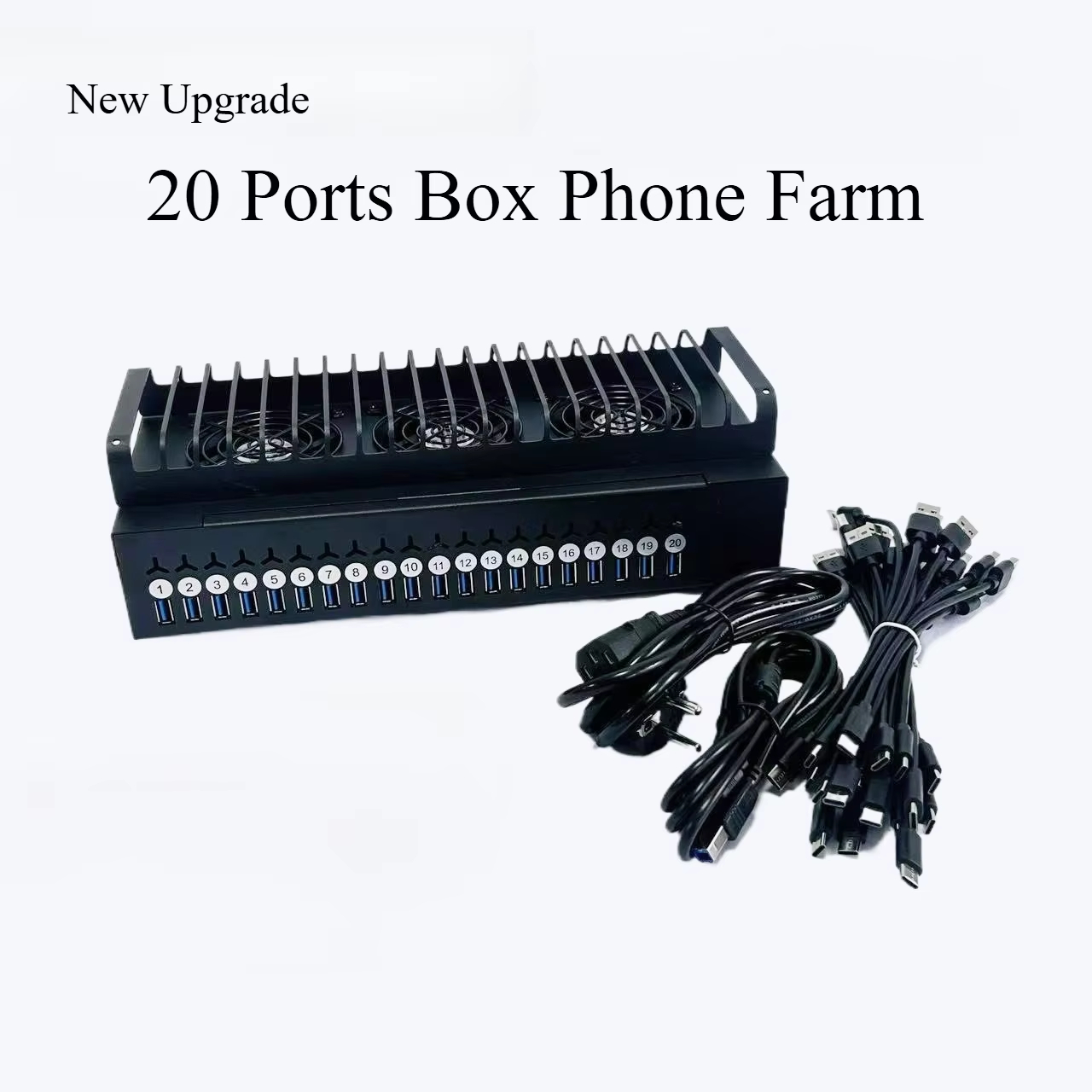
YUANDA · YUANDA-ROUTER

VPN Soft Router with Wi-Fi — SOCKS5 / L2TP / SSTP

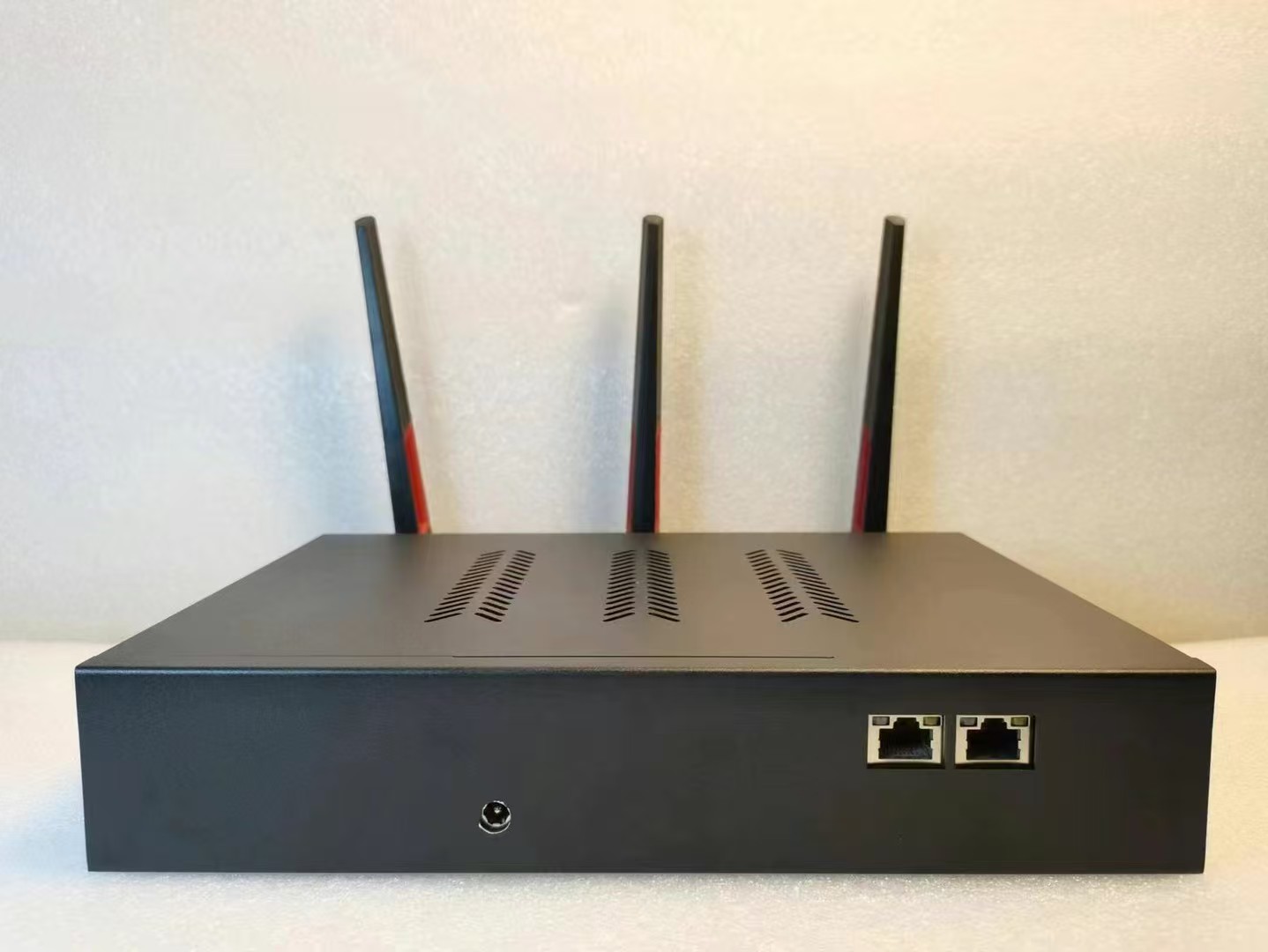
An all-in-one ROS-based soft router and wireless access point with Gigabit Ethernet, dual-band 2.4GHz / 5GHz Wi-Fi and three external antennas. Configure up to 60 wireless network names for different devices and applications.

VPN routers & networking
Request current pricing

Confirm the model, configuration and destination for an accurate quotation.

Built around your requirements

Overview

An all-in-one ROS-based soft router and wireless access point with Gigabit Ethernet, dual-band 2.4GHz / 5GHz Wi-Fi and three external antennas. Configure up to 60 wireless network names for different devices and applications.

Which setup is this for?

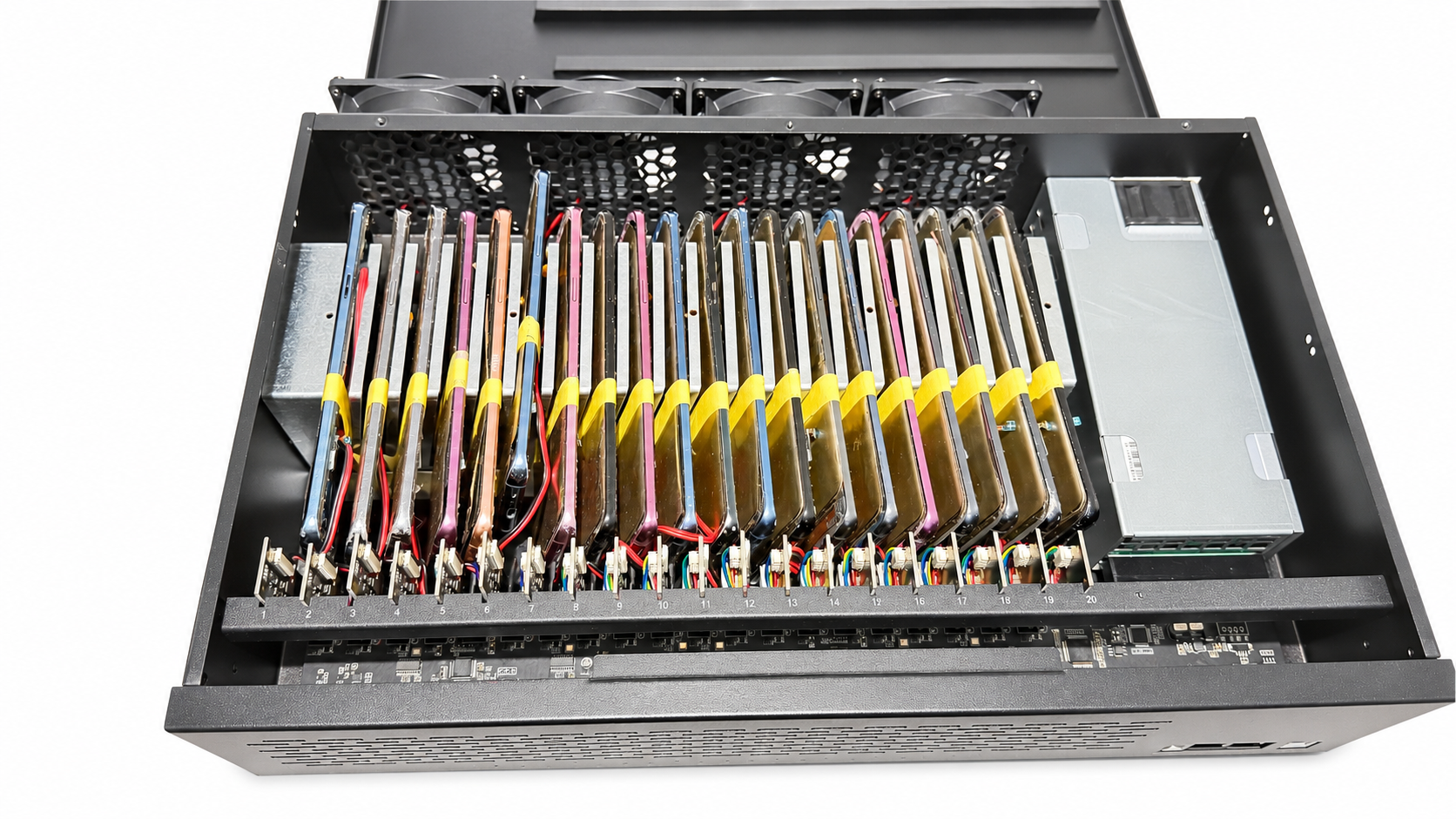
For phone farm workspaces and multi-device networks that need separate routing and IP settings. Match the router configuration to your broadband, device count and upstream proxy or tunnel service.

What is included?

Router hardware and the accessories specified in your quotation. Confirm power supply, plug, setup service and any proxy or VPN service separately.

Separate wireless networks and proxy routes

Give each device group its own configured network route

The router combines wired networking and a dual-band wireless access point with configurable routing. It can help organize multiple phone-farm devices into separate Wi-Fi networks and direct supported traffic through the proxy routes you configure.

Up to 60 named Wi-Fi networks

Create up to 60 separate wireless network names (SSIDs), with each name assigned to the device group or workflow you choose. A different Wi-Fi name does not create a different public IP by itself; configure the corresponding routing and proxy settings as well.

Assign purchased proxy endpoints

Purchase suitable IP or proxy services separately and configure a supported proxy endpoint or route for each Wi-Fi network. Public exit IPs and their geographic locations are provided by that service, subject to its plan and endpoint availability.

Change the route by changing Wi-Fi

When a phone connects to a different configured Wi-Fi network, its supported traffic follows that network's assigned route. This can change the external IP used by that traffic when the Wi-Fi networks are mapped to different proxy exits.

Shopee · Example: 20 phones and 20 proxy routes

If 20 phones connect through one ordinary broadband connection, they may share one public exit IP. With 20 separately configured proxy routes, you can assign different exit IPs to the phones or device groups. Twenty ports do not necessarily represent 20 locations: confirm that your proxy provider supplies the distinct endpoints and regions you require.

Network isolation and route recovery

Separate routing and IP settings make it easier to organize devices for app testing and authorized multi-account operations, including store-management workflows. With suitable failover rules, the router can prevent supported traffic from falling back to the local route when an upstream connection fails and restore the preset route after reconnection.

Configuration and compatibility

The router supports compatible SOCKS5-based routing configurations; the proxy service, credentials and routing rules must be set up correctly. Check your apps and traffic types before deployment. A proxy IP does not guarantee anonymity, prevent account linking or eliminate account restrictions, because platforms may use signals beyond the IP address.

All-in-one wireless setup

Combine soft routing and a wireless access point in one device. Dual-band 2.4GHz / 5GHz Wi-Fi and three external antennas support flexible placement and wireless coverage.

Gigabit wired connectivity

Use Gigabit Ethernet with compatible broadband and wired devices. PPPoE and DHCP support common internet connection setups and broadband providers.

Up to 60 Wi-Fi networks

Create up to 60 separate wireless network names (SSIDs). Assign devices or Wi-Fi networks their own routing and IP configurations for organized network management.

Protocol and MAC configuration

Configure SOCKS5 with a suitable proxy service, or request L2TP / SSTP tunnel configurations. Adjust MAC address settings as required. Specify combined SOCKS5 and L2TP use when ordering.

Network failover protection

When correctly configured, routing rules help prevent traffic from falling back to the local network if an upstream connection fails, and restore the preset route after reconnection.

Flexible deployment

Choose integrated Wi-Fi, a soft router plus a separate access point, or wired connections through a switch. Discuss continuous operation, wireless interference and remote setup requirements with YUANDA.

Confirm the required SSID count, device count, uplink speed and external proxy or VPN service. Final configuration, accessories, price and delivery are quoted individually.

Explore other configurations

TALK DIRECTLY WITH YUANDA

Your next setup starts here.

Tell us your intended use, the apps or software you plan to install, the delivery destination and the number of phones required. We test the software and recommend different models and configurations for your budget.

Region & currency

Choose a country to suggest its currency. You can change the currency separately.

Showing prices in their original currencies.

Converted amounts are estimates. Your quotation confirms the final price, shipping and settlement currency.

The initial suggestion uses your browser's region setting. Your region and currency choices are remembered on this device.