Can a phone farm box connect to an AI agent?
Connect ChatGPT, Claude, DeepSeek or another compatible AI agent to your phone farm using the control software and its supported API interfaces.
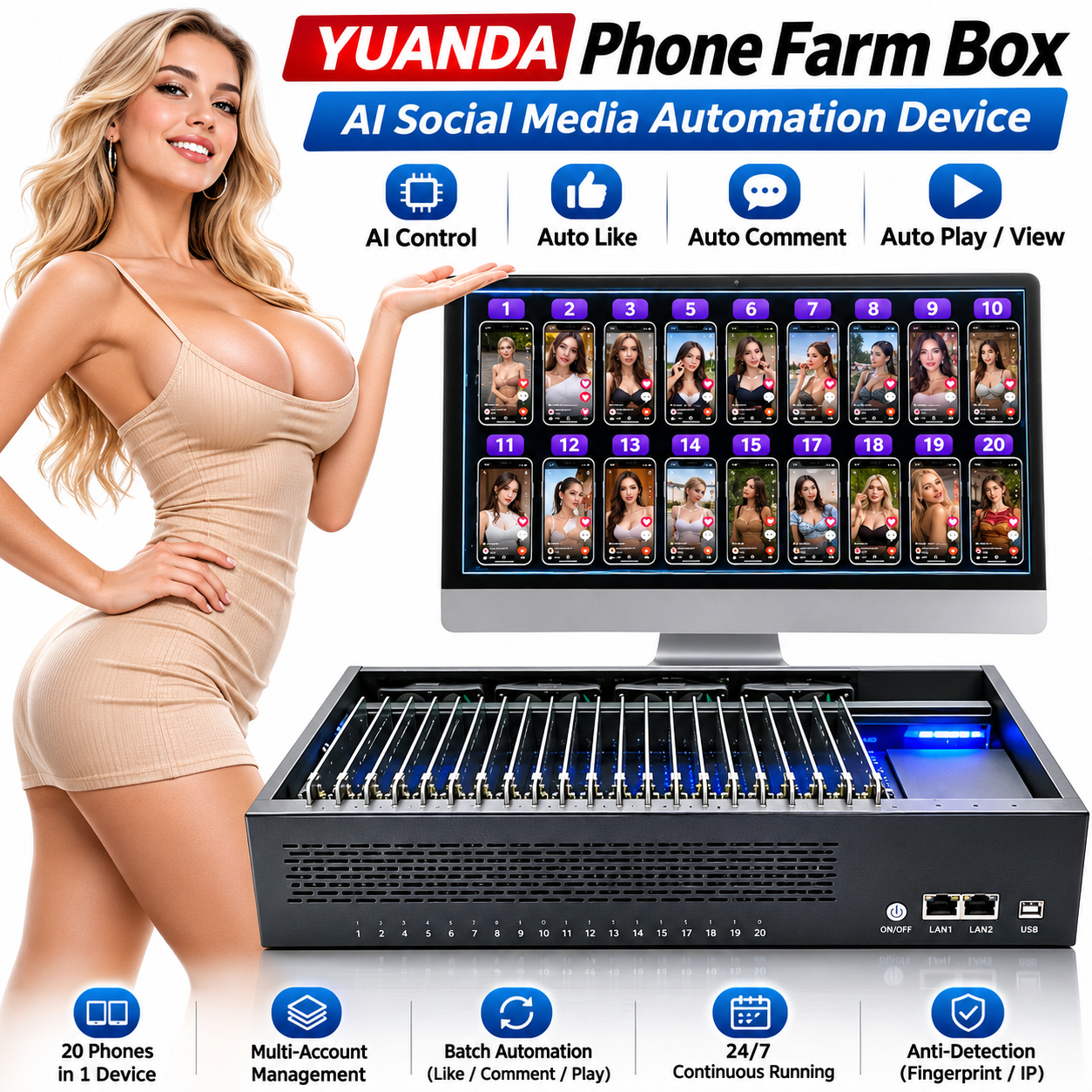
Screens, computers and complete handsets shown are illustrative. A standard kit contains 20 phone motherboards and one chassis; confirm the ordered accessories.
YUANDA · Phone Farm Box
Connect a phone farm box to your AI workflow through compatible control software and developer APIs. Explore how chat instructions reach Android devices, what the integration needs and which services to include in your project quotation.
These pages describe uses and configuration options for the YUANDA 20-motherboard platform. Select the actual motherboard model, Android version and software in your quotation.
Connect ChatGPT, Claude, DeepSeek or another compatible AI agent to your phone farm using the control software and its supported API interfaces.
Connect ChatGPT, Claude, DeepSeek or your own AI agent through compatible control software. Use developer APIs and Auto.js to turn chat instructions into individual or batch Android phone operations.
AI connections require compatible control software, configured API credentials and suitable scripts. Confirm the supported Android version, software licensing and any third-party API usage charges in your quotation.
Integrate your own scripts, agent tools or management system with supported phone-control actions through the control software’s developer APIs.
Describe the task in chat. Your configured AI connector translates the request into supported commands or scripts and passes them to the selected Android devices.
Open my test app on the selected phones.
Run my Auto.js navigation test on device group A.
AI connections require compatible control software, configured API credentials and suitable scripts. Confirm the supported Android version, software licensing and any third-party API usage charges in your quotation.
The computer, monitor, router, proxy subscriptions and third-party app accounts are purchased separately unless your quotation explicitly includes them. Confirm software licensing, optional modules and accessories with your order.
AI Agent · API · Auto.js
YUANDA Phone Farm Box supports AI Agent integration and open developer API interfaces through compatible control software. Connect your AI service, describe a task in chat, and automate individual phones or device groups.
Connect ChatGPT, Claude, DeepSeek or another compatible AI agent to your phone farm using the control software and its supported API interfaces.
Integrate your own scripts, agent tools or management system with supported phone-control actions through the control software’s developer APIs.
Create reusable Android scripts for tapping, swiping, text entry and app workflows. Run supported Auto.js tasks on a selected phone or device group.
Describe the task in chat. Your configured AI connector translates the request into supported commands or scripts and passes them to the selected Android devices.
Choose a phone or device group and tell the AI what you want to do.
Use the developer API or Auto.js script path configured for your setup.
Run supported actions on one phone or multiple connected devices.
Example instructions after configuration
Open my test app on the selected phones.
Run my Auto.js navigation test on device group A.
The control software supports 18 languages.
A free version is available. Social media automation features are provided in the paid version.
US$43 / year
Includes social media automation features.
YUANDA · Phone Farm Box
Explore 20-board hardware, phone clusters, AI control and practical deployment options. Choose the workflow you need, then confirm the motherboard and software configuration with YUANDA.
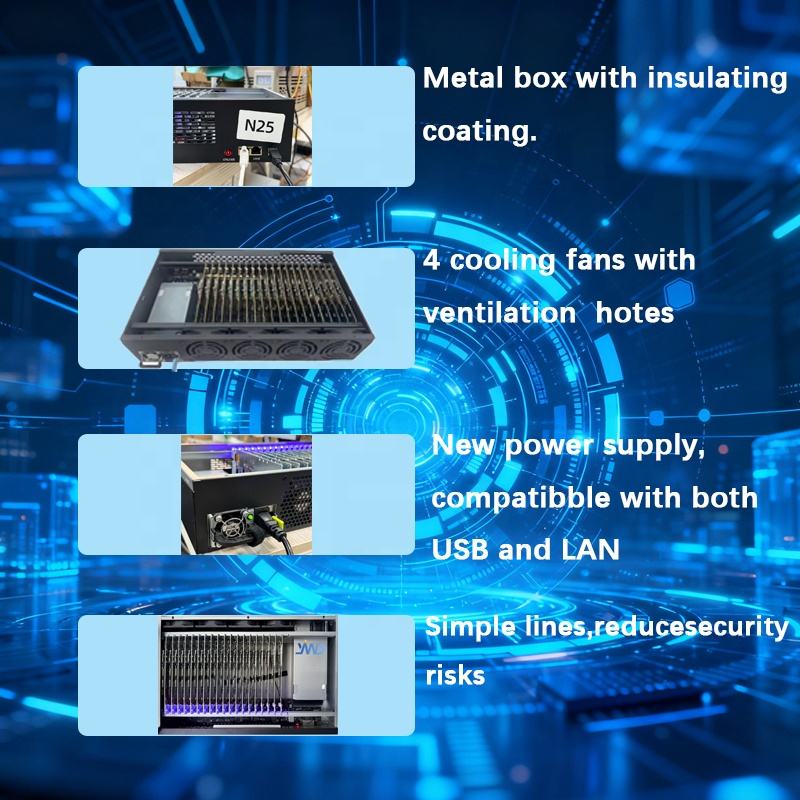
Bring repeatable Android scripts to your phone farm box. Review Auto.js compatibility, scheduled tasks, permissions and a practical one-device-to-group rollout before automating your full phone cluster.
Explore hardwareBuild a phone matrix that can be managed from one PC. Use individual device access, synchronized group operations, APK installation and file distribution, then plan computer and network capacity as your phone cluster grows.
Explore hardware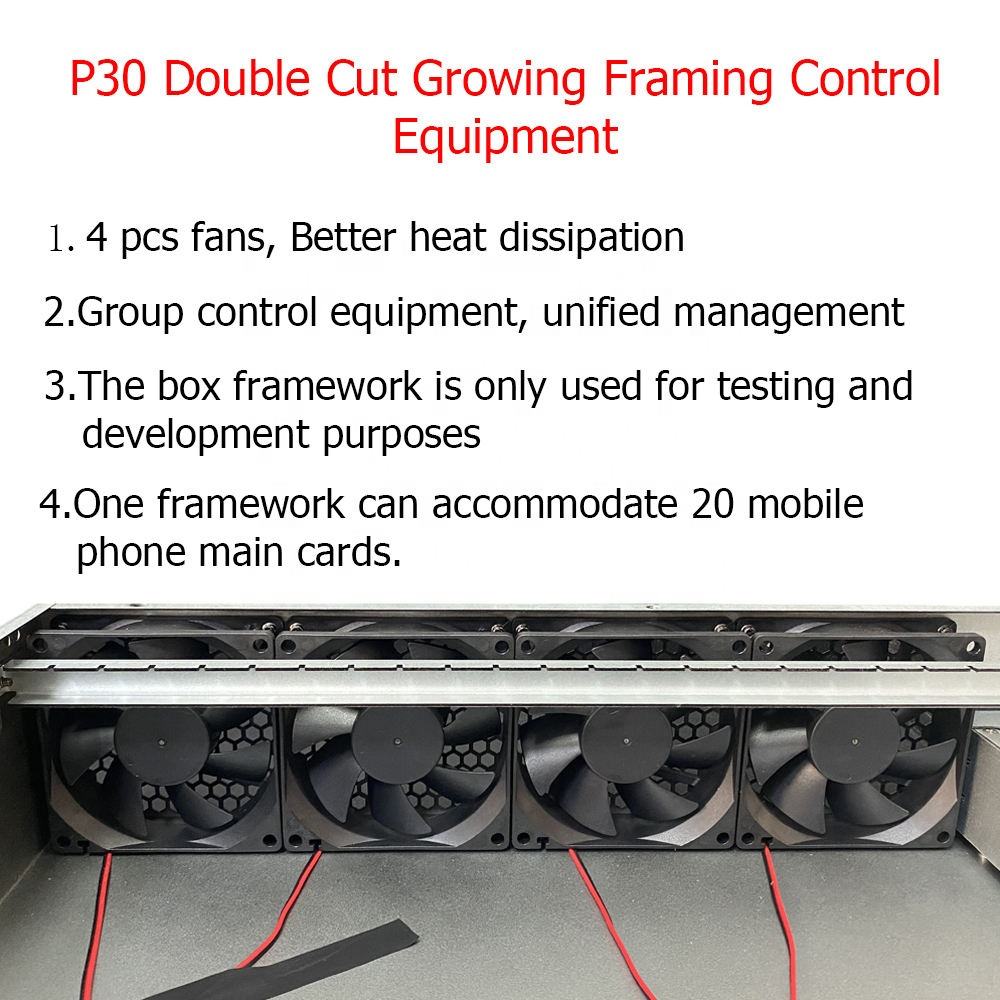
Set up a real Android device lab for compatibility checks, regression workflows and bug reproduction. Match motherboard models and Android versions to your test coverage, and identify tests that need components beyond a standard screenless box.
Explore hardware